 By
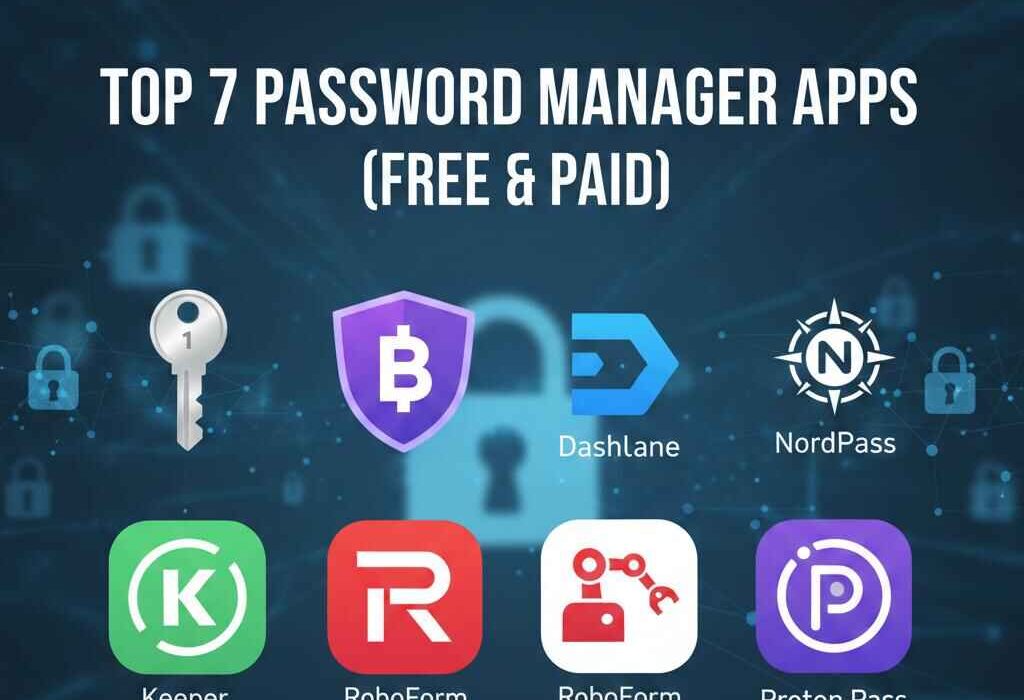
By In 2026, it’s hard to keep track of dozens of different, complicated passwords by hand. One in three accounts is hacked every year, therefore the best password management apps let you store your passwords in a secured way and fill them in automatically. This evaluation of secure password apps looks at both free and paid password manager solutions, including the prices of password managers in the UK for people who live there.
These seven online security tools stand out based on independent assessments for security, ease of use, and features. They are passkeys, biometric logins, and more.
Find the best password management apps for 2026 with reviews of secure password apps, free password manager tools, a comparison of password vaults, and UK prices for password managers. Make sure your logins are safe now!
Why Should You Use a Password Manager in 2026?
Password managers make and keep unbreakable logins, find breaches, and fill out forms without any problems. They lower the danger of repetition (which is responsible for 81% of attacks) and support passkeys, which helps make Google and Apple’s future less likely to be hacked.
Some things to think about when comparing password vaults are AES-256 encryption, a zero-knowledge policy, two-factor authentication, regular audits, and syncing across devices.
1. 1Password—Best Overall Premium Manager
1Password excels in security and polish, earning Editors’ Choice from various leading tech blogs, entrepreneurs, and websites. Encrypted password storage uses Secret Key + master password; supports passkeys and Watchtower breach alerts.
Features:
- Travel Mode hides sensitive vaults.
- Family plans share securely.
- UK pricing: £2.99/mo individual, £4.99/mo family (annual).
Perfect for professionals; 14-day free trial.
2. Bitwarden—Top Free Password Manager Tool

Open-source Bitwarden dominates free password manager tools with premium upgrades. Self-host option appeals to privacy buffs; AES-256 encryption and regular audits shine.
Features:
- Unlimited devices/passwords on the free plan.
- TOTP authenticator built-in.
- UK pricing: Free; Premium £0.83/mo, Families £3.06/mo.
Password vault comparison winner for budget users.
3. Dashlane—Best for Families & Security Extras

Dashlane’s password manager packs VPN, dark web monitoring, and form-filling prowess. Zero-knowledge AES-256 and passkey support make it robust.
Features:
- Password health reports.
- Shared family vault.
- UK pricing: Premium £3.33/mo, Family £4.16/mo (annual).
Excellent online security tools 2026 bundle.
4. NordPass—Intuitive & Affordable

NordPass (from NordVPN) offers a sleek UI, XChaCha20 encryption, and autofill. Breach scanner and data breach alerts included.
Features:
- Medical/secure notes storage.
- Biometric unlock.
- UK pricing: Free basic; Premium £1.66/mo, Family £2.99/mo.
Great for beginners.
5. Keeper—Enterprise-Grade Security
Keeper prioritizes compliance with SOC 2 and PBKDF2 hashing. Unlimited storage and breach watch standard.
Features:
- Encrypted messaging.
- Emergency access.
- UK pricing: Personal £2.75/mo, Family £5.99/mo.
Top for businesses.
6. RoboForm—Form-Filling Champion
RoboForm shines in autofill for complex sites; AES-256 and folder organization impress.
Features:
- Passwordless login support.
- Bookmark storage.
- UK pricing: Free; Everywhere £1.16/mo, Family £2.32/mo.
Value pick.
7. Proton Pass—Privacy-First Free Option

Proton’s end-to-end encrypted free password manager tools include alias emails and hide-my-email.
Features:
- Open-source verifier.
- Passkey support.
- UK pricing: Free; Pass Plus £3.99/mo.
Ideal for privacy hawks.
Password Vault Comparison Table
| App | Free Plan | UK Premium (Annual) | Encryption | Passkeys | Unique Feature |
| 1Password | Trial | £35.88/yr | AES-256 | Yes | Travel Mode |
| Bitwarden | Full | £10/yr | AES-256 | Yes | Self-host |
| Dashlane | Limited | £40/yr | AES-256 | Yes | VPN |
| NordPass | Basic | £20/yr | XChaCha20 | Yes | Breach Scanner |
| Keeper | Trial | £33/yr | AES-256 | Yes | Encrypted Chat |
| RoboForm | Basic | £14/yr | AES-256 | Yes | Superior Autofill |
| Proton Pass | Full | £48/yr | E2EE | Yes | Email Aliases |
Choosing Your Best Password Manager Apps 2026
- Free: Bitwarden/Proton Pass for robust basics.
- Premium: 1Password/Dashlane for extras.
- Families: Dashlane/RoboForm.
- UK users: Factor VAT-inclusive password manager UK pricing; all support GBP.
Test with free tiers—migrate via CSV exports.
FAQs
What is the best password manager 2026?
1Password tops for security/features; Bitwarden for free value. PCMag Editors’ Choice praises autofill, passkeys, and audits. Choose based on needs; free for basics, premium for families/extras.
Are free password managers safe?
Yes, free password manager tools like Bitwarden/Proton Pass use AES-256/zero-knowledge. Independent audits confirm security. Avoid browser built-ins lacking encryption.
How do password managers work securely?
Encrypted password storage uses AES-256, zero-knowledge (only you decrypt). Master password/passkey unlocks local vault; syncs encrypted. Passkeys add phishing resistance.
What’s the difference between password managers?
Password vault comparison: Free (unlimited basics) vs premium (breach alerts, sharing). All offer autofill/sync; premiums add VPN/audits. UK pricing £1-5/mo.
Can password managers be hacked?
Rare—zero-knowledge means no central data to steal. Use strong master passwords/2FA. 2026 breaches targeted users, not vaults.
Conclusion
Best password manager apps 2026, like 1Password and Bitwarden, secure your digital life with encrypted password storage and smart features. Pick from this secure password apps review based on budget—free password manager tools suffice for most.
Implement online security tools 2026 today: Download, generate unique passwords, and enable 2FA. UKTechWire keeps you protected. Subscribe to our blog today!